

Facial similarity speaks to concerns about security, where mistaken identity can lead to unintended access or the exposure of private information. Beyond security, it’s also interesting to explore how these tools can spot celebrity look-alikes or even long-lost twins. Let’s dive into some of the most useful face similarity checkers available today — but first, a quick primer on what face comparison actually is.
What Is Face Comparison Online?
Online face comparison is the digital process of analyzing two or more human faces to identify their similarities or differences. It works by measuring facial features — the shape of the eyes, nose, mouth, jawline, and other distinguishing characteristics — and quantifying them through algorithms designed for facial analysis.
These facial attributes are then matched using the underlying technology of each comparison tool, producing a similarity score or a same/different verdict. The technology is used for everything from security and identity verification to entertainment, such as finding celebrity look-alikes or spotting family resemblances.
Top 4 Free Online Face Similarity Checkers
As interest in face comparison technology has grown, a number of online tools now offer this for free. Below are four of the most useful, with step-by-step instructions for each.
FaceComparison
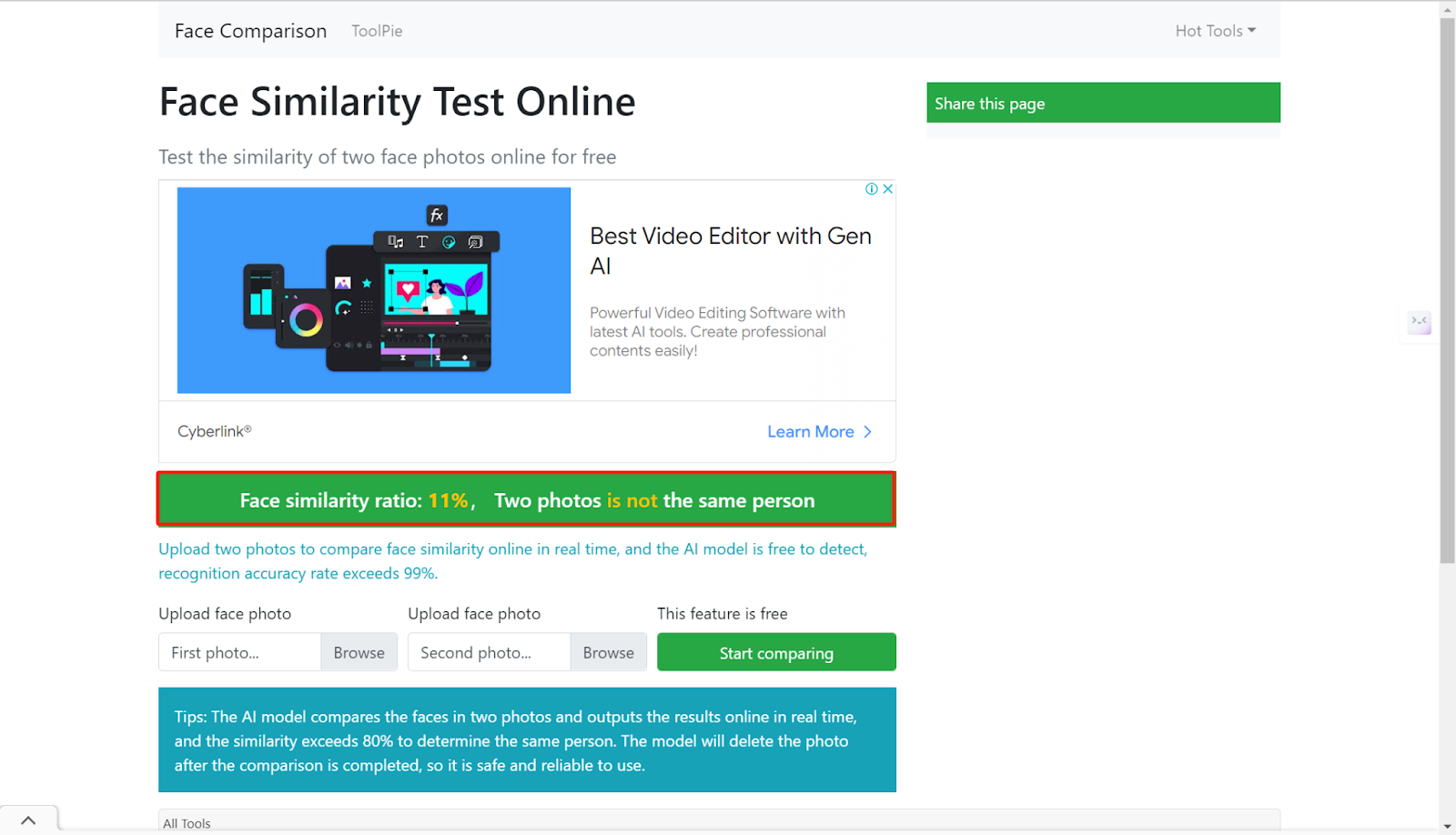
FaceComparison is an effective online tool for real-time face similarity checks. The site does carry some ads, but its AI model is free to use and claims accuracy above 99%. Upload two photos and results appear almost immediately — a score above 80% is generally treated as confirmation of the same person. In our own test upload, the result matched what we expected.
How it works:
Step 1. Go to the website and upload two photos of the same or different people.
Step 2. Wait a few seconds for the similarity result.
FaceShape
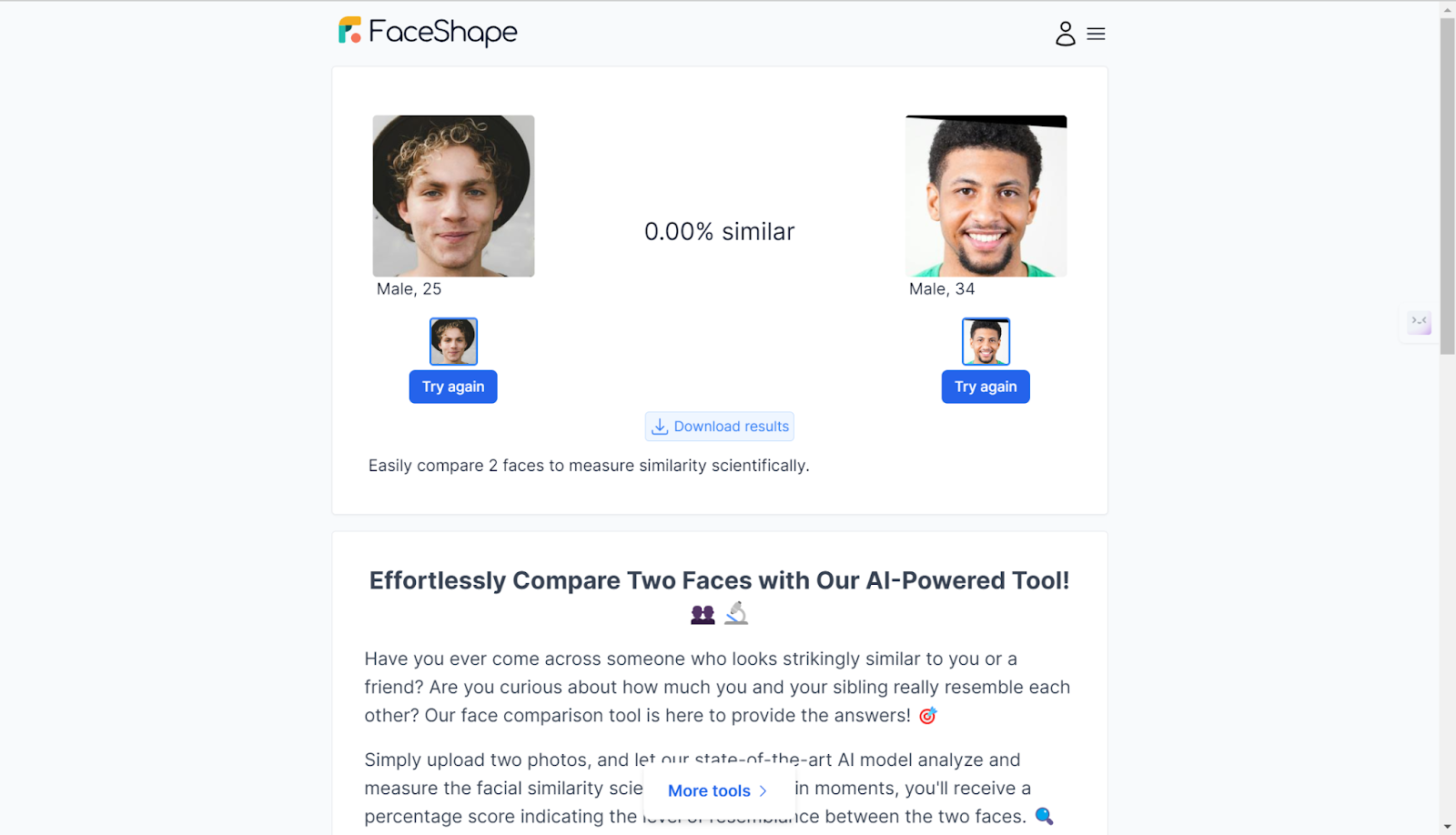
FaceShape’s Face Compare tool measures facial similarity with strong accuracy and also estimates the approximate age of each uploaded photo. In our testing, results were consistent — even scoring close to 0% similarity for clearly different subjects, which is a good sign of a well-tuned matching model. The site itself is clean and ad-free.
How it works:
Step 1. Go to the website and upload two photos.
Step 2. Wait for the similarity result and estimated age for each photo.
FamilySearch CompareMe
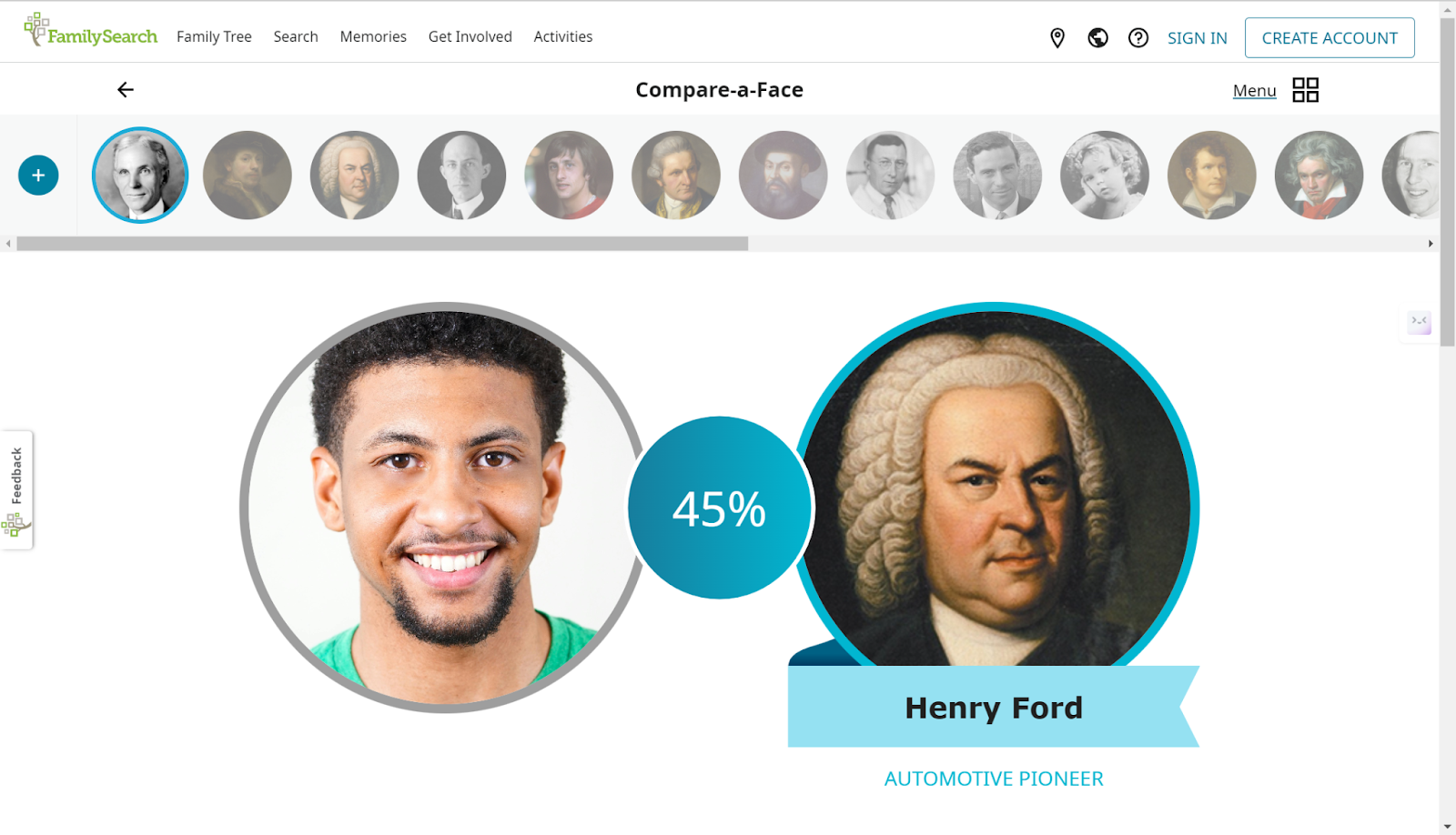
CompareMe is a free tool from FamilySearch, the genealogy organization operated by The Church of Jesus Christ of Latter-day Saints. It lets you compare two photos to gauge the likelihood that two people are related, or compare your own photo against a historical figure or celebrity for fun. You can use it as a guest or create an account. Because it’s built for genealogical research, it’s worth knowing that using it typically means uploading photos to a FamilySearch account rather than a one-off anonymous tool.
How it works:
Step 1. Go to the website and create an account (or continue as a guest).
Step 2. Upload photos to compare directly, or upload a single photo to find a historical figure who resembles you.
Pictriev
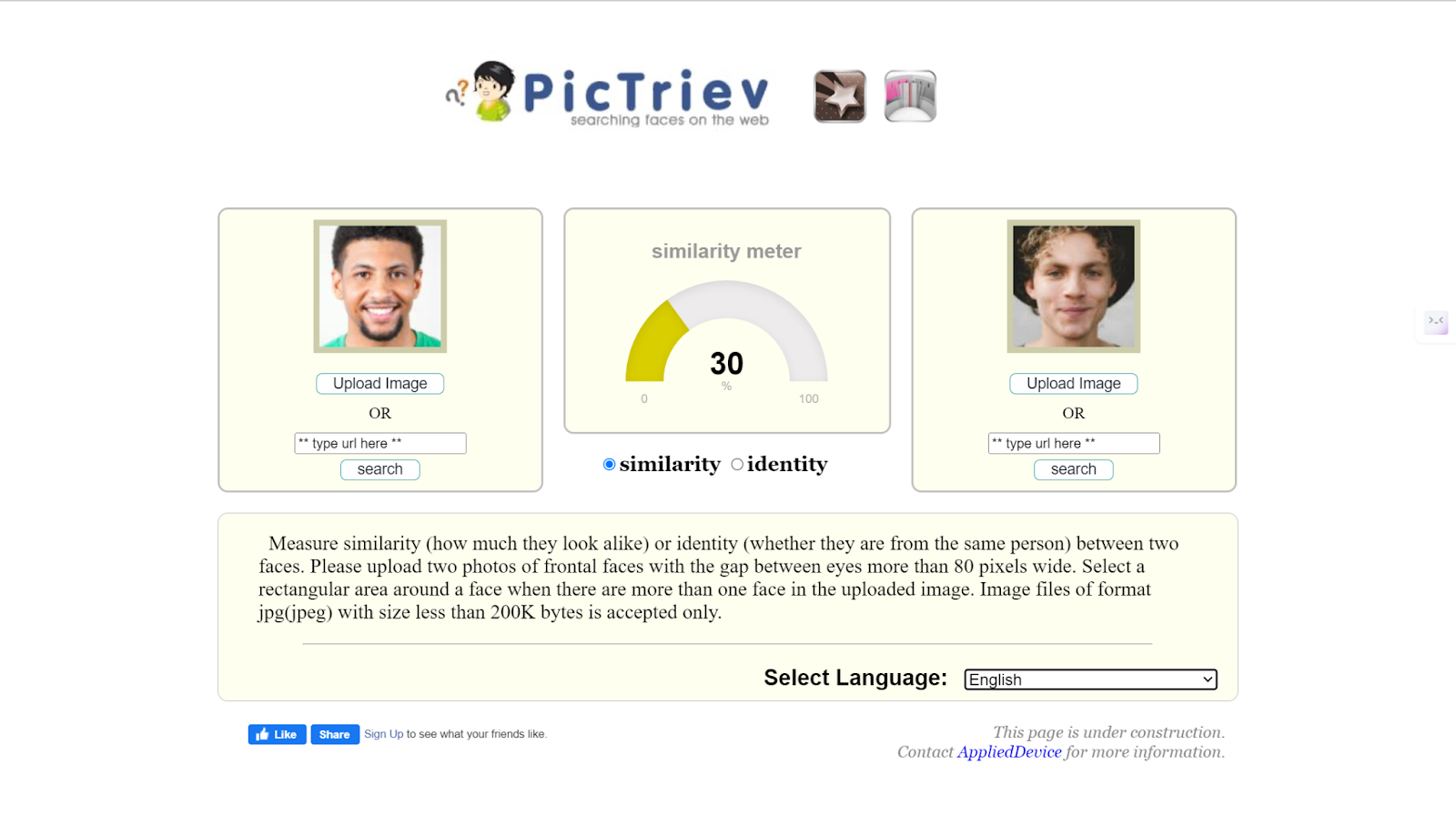
Pictriev lets you check identity or similarity between two faces, either by picture URL or direct upload. Its interface is clean and ad-free but noticeably dated, and it requires you to manually select the facial area in each photo before running a comparison. In our testing, Pictriev correctly identified two clearly different people as non-matches, but its accuracy was less consistent than FaceComparison or FaceShape overall.
How it works:
Step 1. Upload two photos and manually select the facial area in each.
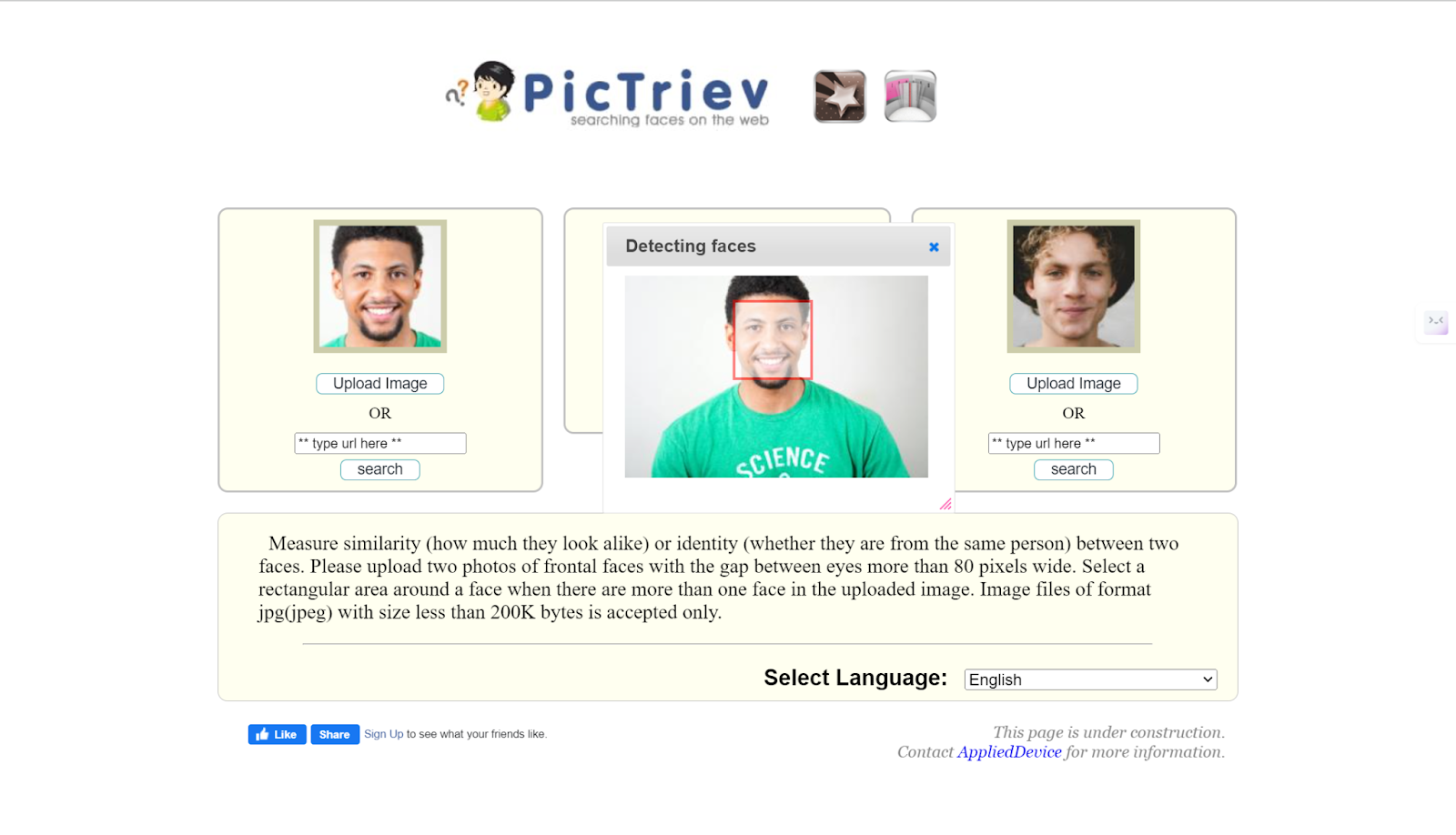
Step 2. Choose whether to run a similarity or identity check, then view the result.
Compare Two Faces on Mobile: Face/face
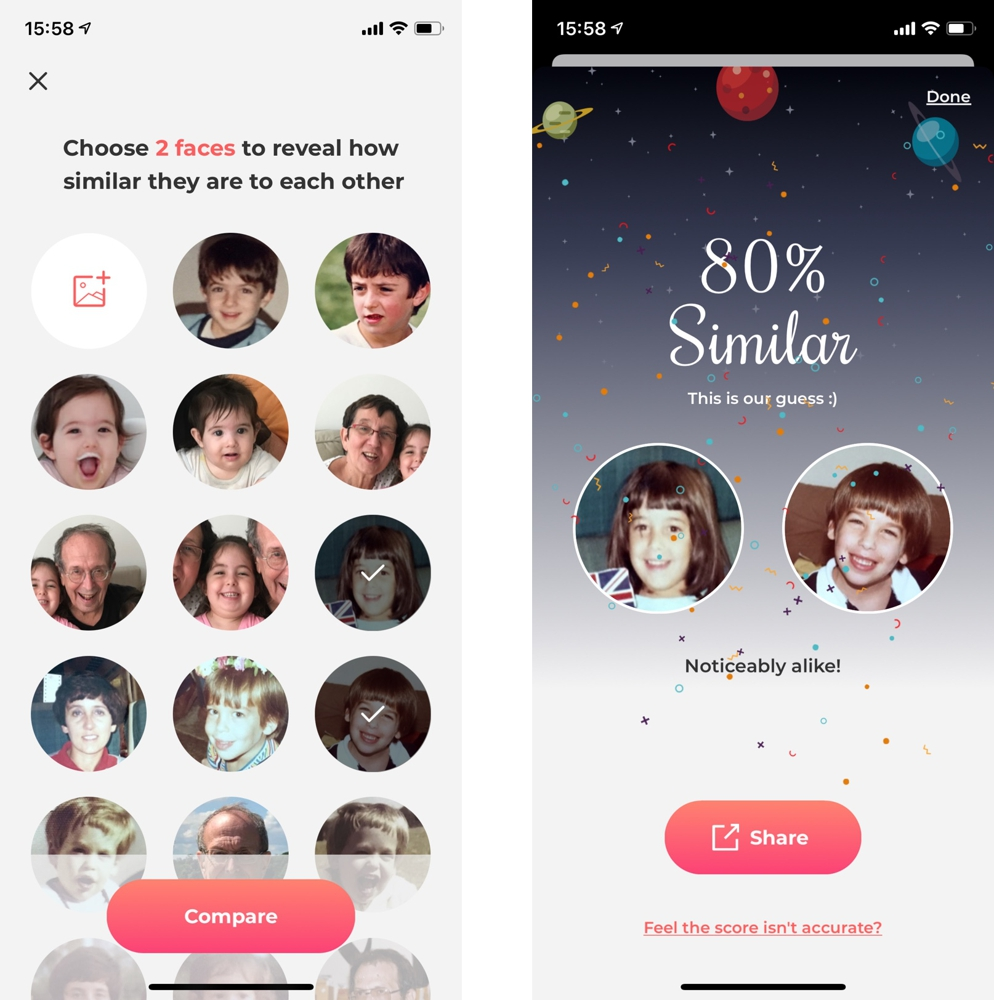
For anyone who’d rather do this from a phone, Face/face is an iOS app (Apple App Store) that estimates how alike two faces look using on-device AI analysis. You can compare photos of friends, family, or celebrities for a quick, casual read on facial resemblance.
How it works:
Step 1. Download Face/face and select two photos from your camera roll.
Step 2. Wait a few seconds for your similarity result.
The app doesn’t publish details on whether comparisons run on-device or via a server, so if photo privacy matters to you, it’s worth checking the app’s privacy label in the App Store before uploading anything sensitive.
Best Face Comparison APIs
The tools above are aimed at casual, one-off comparisons. For developers who need to build face comparison into a product, two enterprise APIs dominate the space:
Amazon Rekognition API
Amazon Rekognition is a deep learning-based image and video analysis service from AWS. It identifies people, objects, and activities in images and video, and can match faces — including recognizing celebrities — across both formats. It’s commonly integrated into surveillance systems, e-commerce platforms, and identity-verification workflows.

Microsoft Azure Face API
Azure Face API is Microsoft’s cloud-based facial recognition service, offering face detection, verification, and attribute analysis through a deep learning model. It’s used across security, law enforcement, marketing, and entertainment applications, and is typically integrated by developers rather than used directly by consumers.
Face Similarity Checker Comparison
A quick summary to help you pick the right tool for your use case:
| Tool | Ease of Use | Result Accuracy | Processing Time |
| FaceComparison | Easy | High (self-reported >80%) | 10 seconds |
| FaceShape | Easy | High (self-reported >85%) | 15 seconds |
| FamilySearch CompareMe | Moderate | Moderate | 5 seconds |
| Pictriev | Moderate | Moderate | 30 seconds. |
Use Cases of Facial Comparison
Facial comparison shows up across a range of industries. The main use cases are:
- ID Verification — confirming that only authorized people gain access to a system or space.
- Celebrity Look-Alike — a lighter, entertainment-driven use case for finding your famous doppelgänger.
- Law Enforcement — helping identify suspects in criminal investigations.
- Genealogy — tracing ancestry or establishing family relationships through shared facial features.
When You Need More Than a Similarity Score
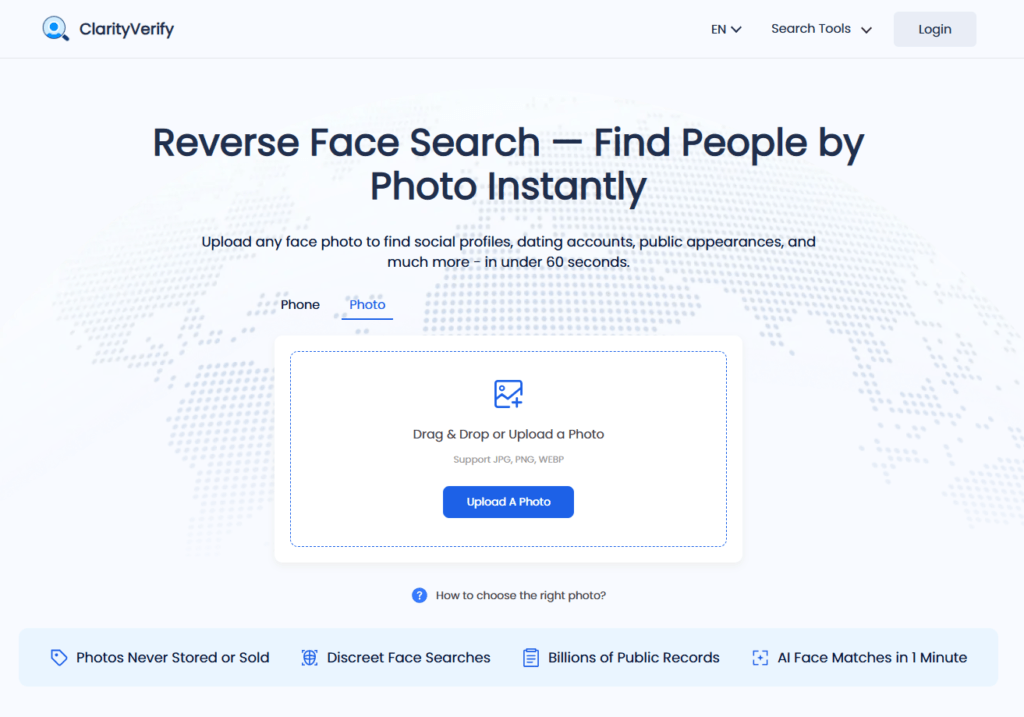
The tools above are built to answer one specific question: do these two photos show the same person? But sometimes the real question is different — you have one photo, and you want to know where else it shows up online, whether it’s tied to a real name, or whether the same face is being used under more than one identity.
That’s a reverse face search, and it works differently from a similarity checker. Instead of comparing two photos you already have, ClarityVerify’s Reverse Face Search scans a single uploaded photo against publicly available social profiles, articles, and other online sources to see where else that face appears. It’s the tool people reach for when verifying a dating profile, checking whether their own photos are being reused without permission, or looking into a business contact who’s oddly evasive about video calls.
It’s worth being clear about what this isn’t: it’s not a replacement for the similarity checkers above, and it’s not built for casual look-alike fun like finding your celebrity twin — it’s aimed at real identity-verification questions. Results also depend on how much of a public footprint the photo’s subject actually has; a face with little to no online presence may return limited or no matches.
FAQ
How does face comparison work?
Face comparison relies on identifying unique facial landmarks — the spacing of the eyes, the shape of the nose, the curve of the jawline — and running them through matching algorithms trained on large sets of facial data.
How do I check face similarity?
Facial recognition software is the standard way to check similarity. These tools measure features like eye spacing, nose shape, and jawline curvature to compare two faces and produce a similarity score. Any of the four tools above will get you a quick answer.
Can I use face match for biometric or ID verification?
Yes — face matching is widely used in biometric systems and ID verification to confirm identity and control access, since no two people share identical facial features. That said, the consumer tools listed in this article are built for casual, one-off comparisons rather than formal verification. If you’re trying to confirm whether an online profile, dating match, or business contact is who they claim to be — rather than comparing two photos you already have — a reverse face search like ClarityVerify’s is a closer fit for the job.
Conclusion
Facial comparison technology has come a long way, and it now serves purposes ranging from serious identity verification to lighthearted celebrity look-alike searches. The tools, apps, and APIs above cover most of what a casual user needs for comparing two known photos. If your real question is bigger than that — where else does this photo exist online, and who is it actually connected to — that’s a different tool for a different job, and it’s worth knowing the difference before you start searching.