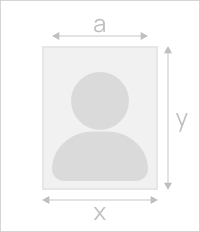
Size
Width: 1 in
Height: 1 in
-
Is it suitable for online submission?
yes
-
Resolution
600 dpi
-
Is it printable?
yes
-
Image definition parameters
Head height: 0.65 in
Top of the Photo to Top of the Hair: 0.1 in
-
Background Color

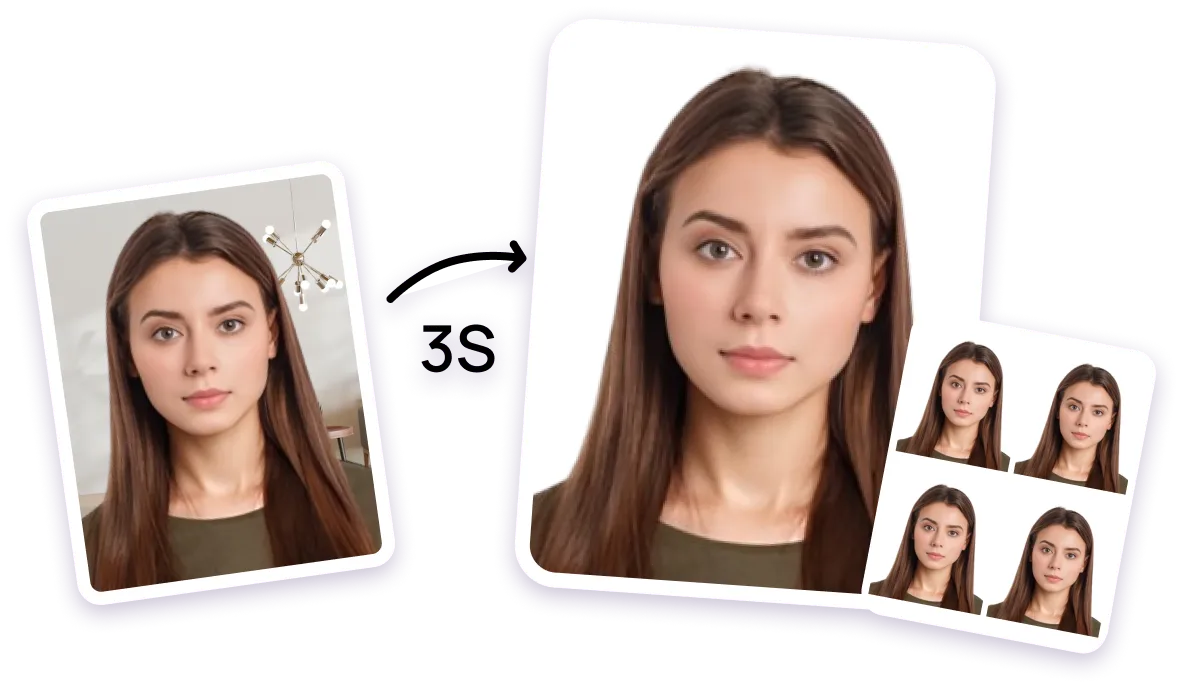
Create 1x1 Barangay ID Picture Online
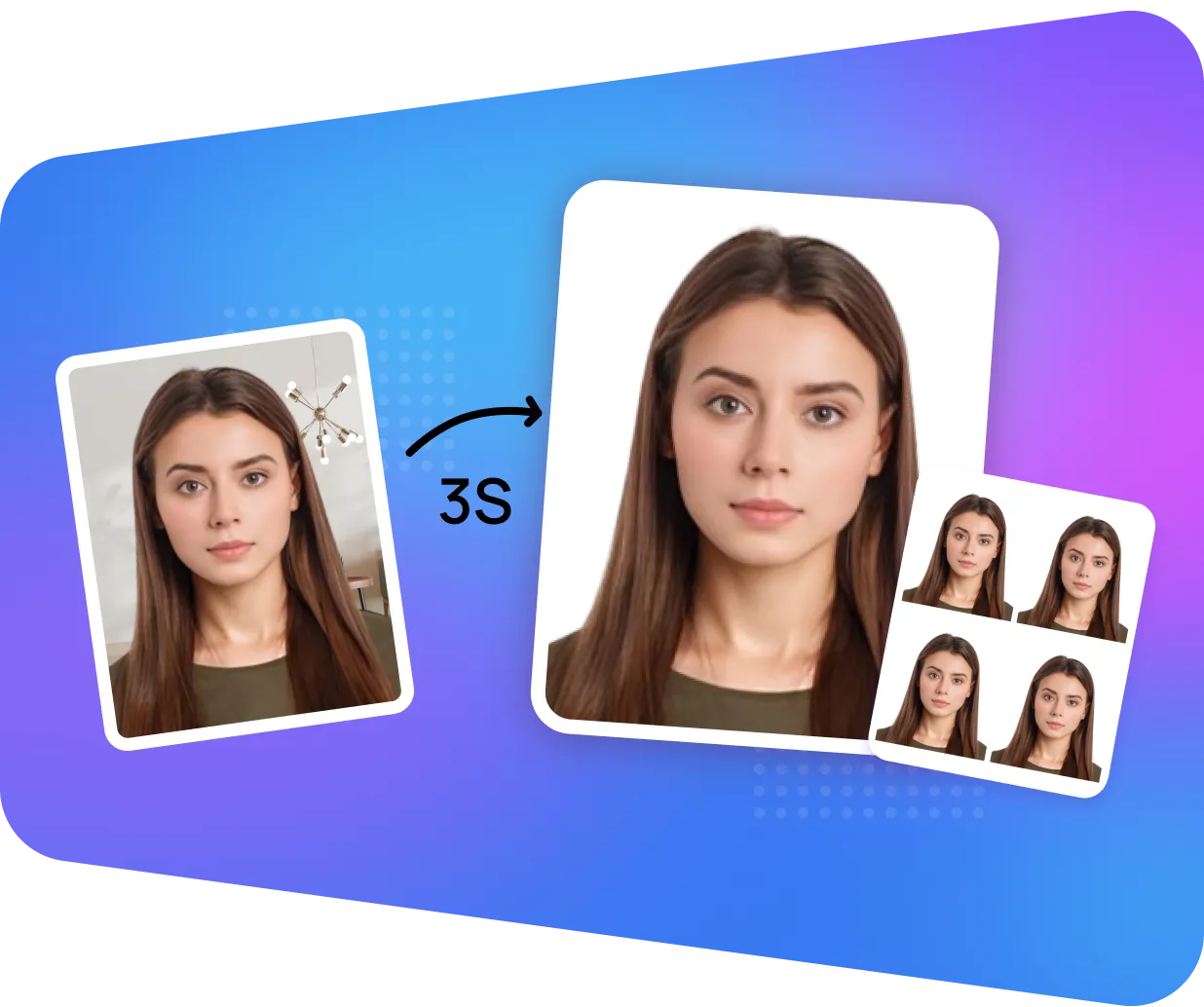

AiPassportPhotos can generate your digital biometric photos online in seconds, allowing you to get them printed at stores that provide photo services at a more favorable price.

The inception and application of AI technology is our trump card, which examines your passport photos online intelligently. Let modern technology escort your passport photos!

Rejection is depressing, but you will never experience discouragement anymore with the fully-featured photo tool, for AiPassportPhotos will ensure 100% acceptance of your photos.

Gone are days when you have to spend hours lining up for taking photos at a photo studio. With the help of AiPassportPhotos, you can get your online passport photos at home in seconds.






Size
Width: 1 in
Height: 1 in

Is it suitable for online submission?
yes
Resolution
600 dpi

Is it printable?
yes

Image definition parameters
Head height: 0.65 in
Top of the Photo to Top of the Hair: 0.1 in

Background Color
A barangay is a political subdivision of a province or a city composed of 50 to 100 families headed by the headman. The elected officials that govern the barangay include the captain, Sangguniang Barangay (Barangay Council), and the Youth Council Chairman.
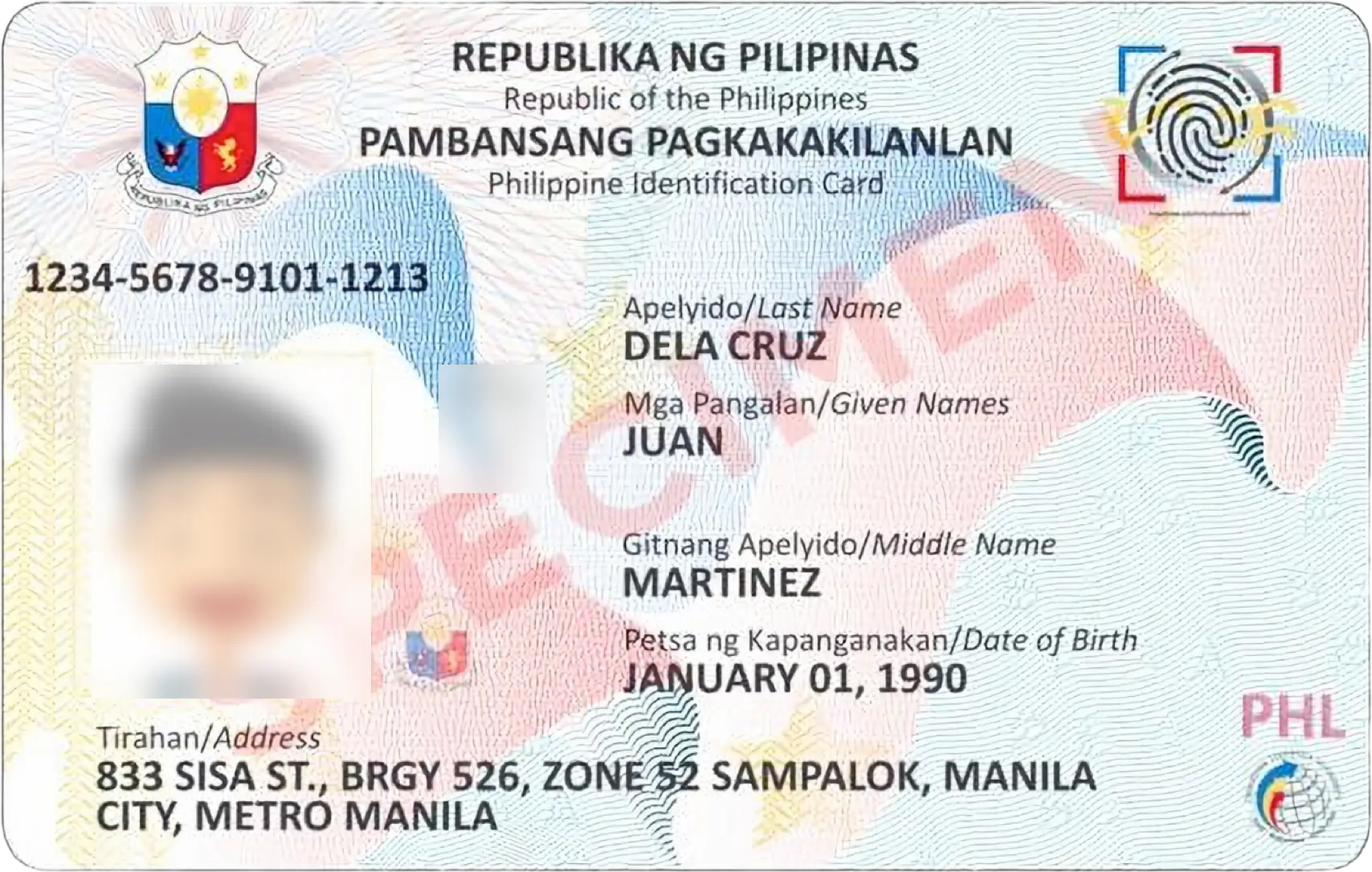
A Barangay ID is a government-issued identification card legally valid in the country. It proves residence in a particular barangay. This ID can be used, for instance, to access a banking account, apply for a utility service, enroll children in school, or secure an apartment for rent.
To qualify for a Barangay ID, you must meet the following criteria:
Here is the list of documents that are considered Barangay ID requirements:
This photo is taken as a part of applying for the Barangay ID. This section has detailed instructions as well as the sizes that are acceptable in order to ensure that your photo meets the requirements:
With a well-lit environment and a helpful friend or family member, you can take your Barangay ID photo using your smartphone camera. Here's a simple guide:
Step 1: Capture a Clear Image
Choose a brightly lit room with a simple white background. Have a friend or a family member take a picture of you while you are looking directly at the camera. It is important to follow the clothing and posture rules mentioned in the section above. Do not smile and look at the camera. Shoot several pictures to increase the chances of a good photo.
Step 2: Crop and Resize Using AiPassportPhotos
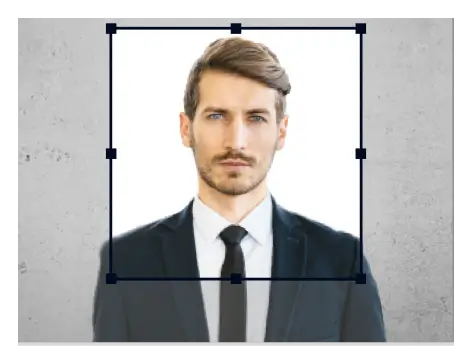
Visit the AiPassportPhotos website and upload your chosen picture. Select 'Philippines' and 'Barangay ID (1×1 inch)' in the drop-down menu. AiPassportPhotos will also make sure that the image is cropped and resized to the size of a Barangay ID picture. Slowly preview the cropped image and check if it has all the requirements above. In this case, proceed with downloading the image according to the instructions on AiPassportPhotos.
Note: If you need 2x2 inch photos for your Barangay ID, you can use AiPassportPhotos 2x2 Picture Editor.
Step 3: Download and Prepare the Final Image
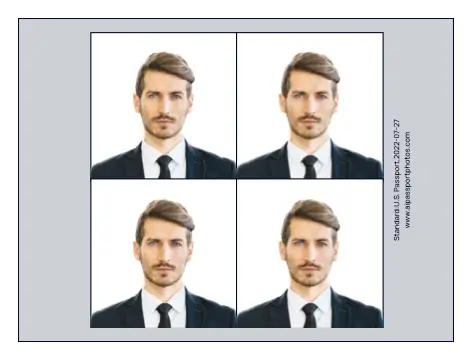
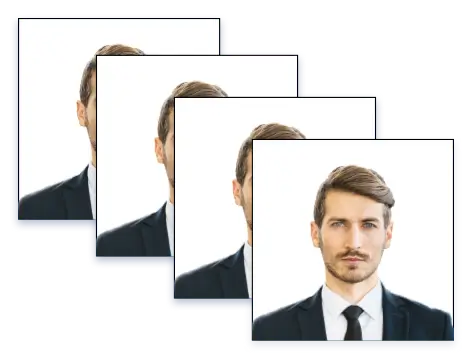
AiPassportPhotos immediately removes the extra background and cuts the image to the appropriate barangay certification IDid size. In a few seconds, you will receive a Barangay ID Picture template that meets the picture standards. Once downloaded, an individual can transfer the Barangay ID picture to a USB drive and print it.
User-friendly: Using a web browser, cell phones, and PCs may effortlessly visit the AiPassportPhotos website. With the help of the intuitive UI, editing photos is very easy.
Simple to use: All you need to do is upload a photo, and in a matter of seconds, you'll have a digital and printable photo template for your Barangay certification ID. It requires no experience with photo editing at all.
Compliance assured: To make sure the photo you supply for the pension certificate is 100% compliant, it includes a compliance test.
Economical: Making one yourself with AiPassportPhotos is far less expensive than having one taken in a picture studio. It also saves you the trouble of waiting in a queue at a photo studio.
Popular Documents

Rating: 4.71 - number of votes: 0